Walk through code related to charts, browser and image viewer.
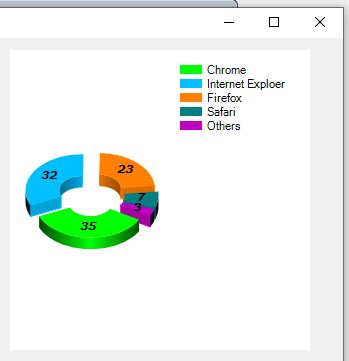 It's a good thing to know how others deal various object in different way, though everything is simple on textbook. But, still, some doubts raised since the outcome is not ideal. For example, how could I create a modern browser if the version VC visual design provided is not supported by most website.....? I have to break into main loop and find out where objects are initialized, instead of waiting for system dispatched event, right? or find some way to breach the main flow...? Probably this is viable solution, but a little ugly.....
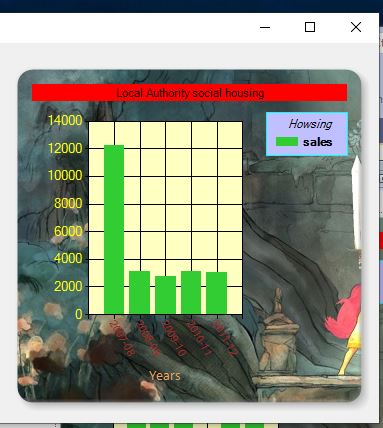
Most functionality could be done by VC UI, even the author mildly expressed that coding is almost neglectable.... As what I mentioned on last post, this is a book for VC, not for C#..... I will still complete it. At least there are examples showing me how functionality are performed. And hopefully this could be break into raw functions without assistance of visual design.
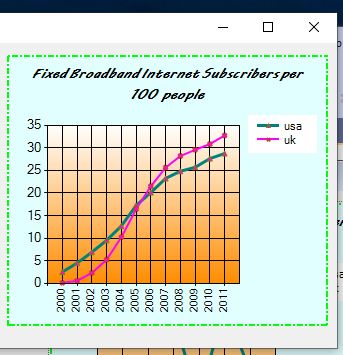
For nutrition balance(?) I squeeze some time to read a book about python and machine learning. But the book for machine learning was just too theoretical. At first 3 chapters, all are about definition and explanation of "learning". It may triggered by attempt to survive, learn from chance, learn from logic, from mimic, etc. Nothing to do with python.... too bad ....
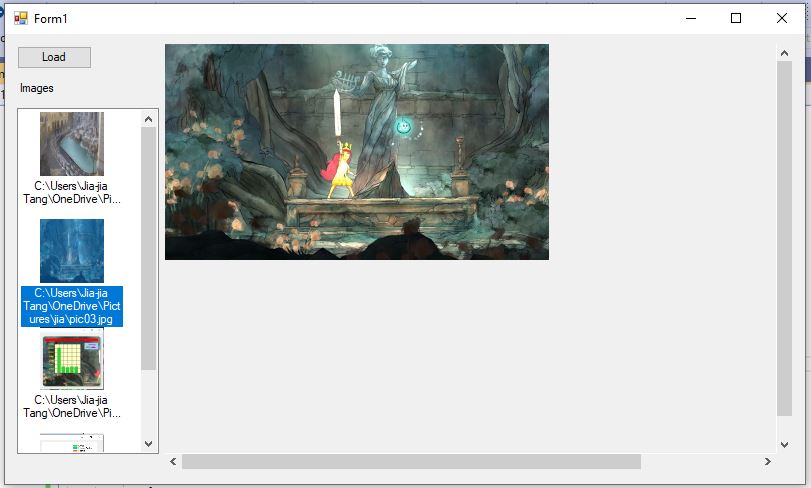
Dissected out codes that I think might meaningful. Comment later. Too sleepy for now.
Code for creating piechart
Code for Images
Most functionality could be done by VC UI, even the author mildly expressed that coding is almost neglectable.... As what I mentioned on last post, this is a book for VC, not for C#..... I will still complete it. At least there are examples showing me how functionality are performed. And hopefully this could be break into raw functions without assistance of visual design.
For nutrition balance(?) I squeeze some time to read a book about python and machine learning. But the book for machine learning was just too theoretical. At first 3 chapters, all are about definition and explanation of "learning". It may triggered by attempt to survive, learn from chance, learn from logic, from mimic, etc. Nothing to do with python.... too bad ....
Dissected out codes that I think might meaningful. Comment later. Too sleepy for now.
Code for creating piechart
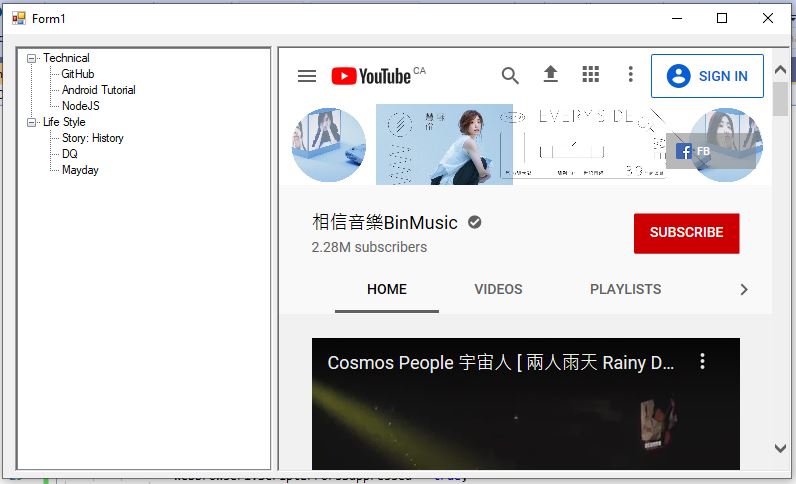 |
| old version browser |
Comments
Post a Comment