
Mysterious deployment

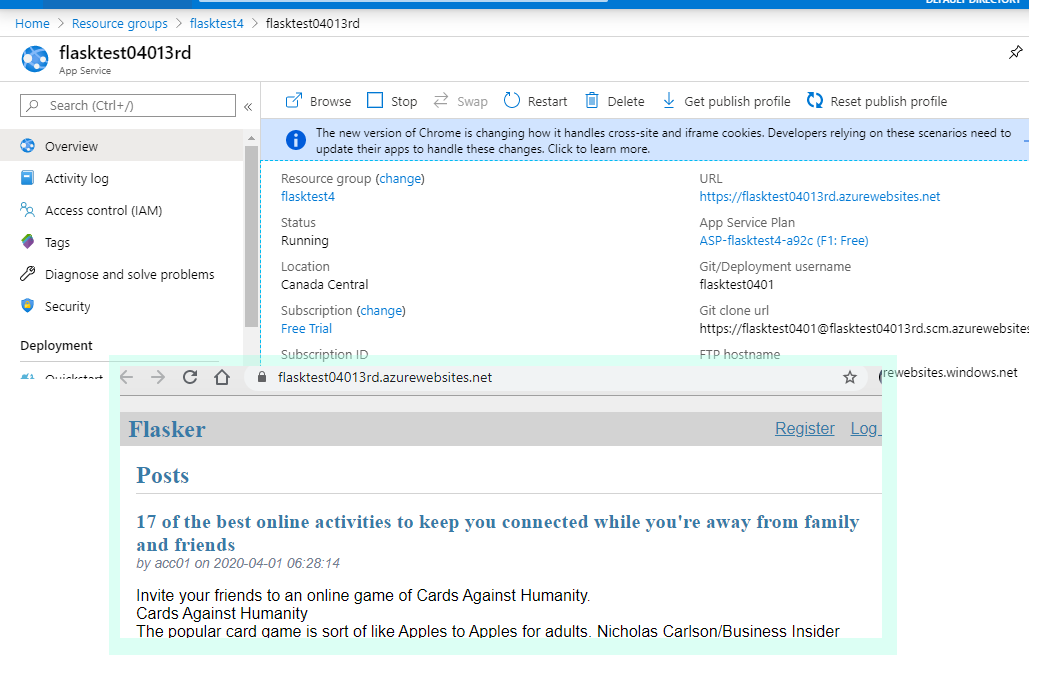
Finally, got Flask site deployed on Azure..... 

There's probably nothing wrong. The only problem might be my rebellious inner self that giving me a hard time....
A programmer under Mac or Linux OS may prefer to use python and develop under Linux compatible environment; they may choose Visual Studio Code.

I developed my Flask under Windows environment (no IDE), using CMD for git version control, or, at the end, I didn't know how to make a simplest webapp work on Azure, trying on Visual Studio Community 2019 for deployment. (only for ASP... too bad...)

Finally, I installed Visual Studio Code for deployment....

It worked.... Nothing wrong with my testing code....

Anyway, nothing wrong is a good thing. A fulfilled day!

Comments

Popular posts from this blog

Guide to Preserving HuggingFace Models in Google Colab Environments

Conclusion:  Step 1:  find the model path: ls ~/.cache  Step 2:  Copy the entire folder to Google Drive:  Step 3:  Set model path to the subfolder under snapshot: My Story: I initially began exploring Generative AI (GAI) and Google Colab through Stable Diffusion. In the past, as I mainly wrote server services and console applications, I was less familiar with data science modes like R and Jupyter that can maintain a paused state. I didn't quite understand the heavy burden on Colab of creating a temporary Stable Diffusion WebUI with .ipynb, as suggested by popular guides. I just found it troublesome that connections often took a long time and then dropped, requiring a restart. Recently, while testing new versions of the Stable Diffusion model, and facing challenges due to Colab's policies making various versions of WebUI difficult to run successfully, I started researching how to write my own test programs in Colab. Eventually, I understood that Colab is ess...

docker: storage and services

Docker Volume Without going through Docker, accessing files within a Docker image is not easy. Therefore, Docker has a volume feature that allows users to specify the location on the host file system to serve as the access directory for Docker. In other words, a volume is the NFS of a Docker image. Example: Using a volume to store SQLite files. ref:  SQLite for NodeJS: https://www.sqlitetutorial.net/sqlite-nodejs/ Initialize the project. # Setup ExpressJS framework express --view=pug 240324_ejs_sqlite_docker npm init npm install express npm install sqlite3 Test: npm start Initialize docker  Since the directory already contains NodeJS, the Docker Daemon will assist in the setup. Create new docker image docker build -t atfuture7/sqlite01 . Create a folder for Docker, create a container, run it.  mkdir docker_vol docker run -p 3000:3000 -v ./docker_vol:/data --name exp_sqlite atfuture7/sqlite01 After confirming that the container can run co...

Bookmark service (MongoDB & Spring REST)

Completed a working version of Bookmark service. Feeling great~~ ha! ha! Finding something to practice is an efficient way of learning. The project concept is redesigned from a MongoDB project. Weeks ago, I was learning MongoDB and NodeJS. Mixing everything together is my hobby. There might be conflictions, but putting all strengths together has higher potential to resolve difficult and complex problems. Elites getting together might sometimes not be easy, I mean technology, of course. Nice things deserve practice.  Building your first application with MongoDB: Creating a REST API using the MEAN Stack https://www.mongodb.com/blog/post/building-your-first-application-mongodb-creating-rest-api-using-mean-stack-part-1   After redesign…… is ….extremely simple…. But contains enough new topics for me to explore. I’m just a starter of Spring (and a veteran of OO and Cloud programming). Keep everything simple and fast.    I applied to cloud services (like AWS), online artist...